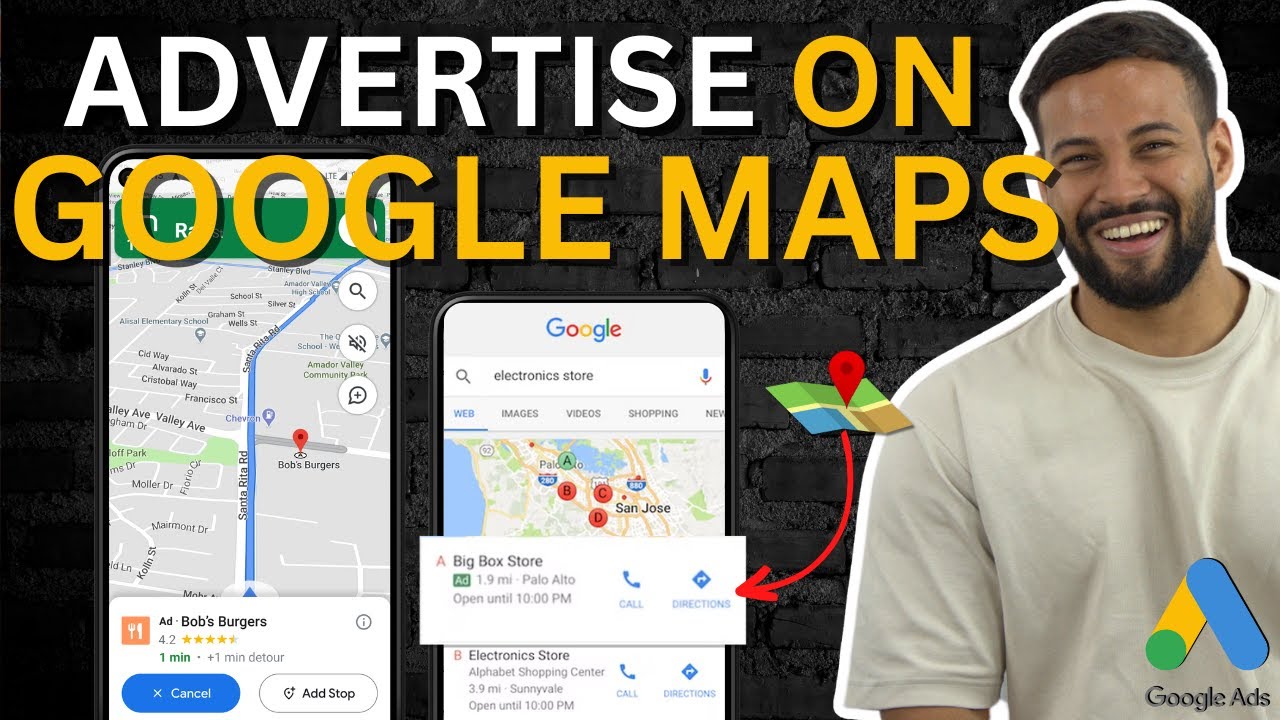
What Are Google Map Ads?
Google Map Ads are sponsored listings that appear at the top of Google Maps results when someone searches for a local business or service. They show your business name, rating, address, and a call button - and they appear both in Google Maps and in the local pack on standard Google search results.
For local businesses, these are often the highest-converting ad type available. Someone searching "dentist near me" or "plumber Sydney" is ready to book. They are not researching - they need someone now.
Who Map Ads work best for: Service businesses, trades, restaurants, health and beauty, fitness studios, retail stores - anyone whose customers need to physically visit or call you.
What You Need Before Starting
- A verified Google Business Profile (formerly Google My Business) with your correct address, phone number and business category
- A Google Ads account linked to that same Google account
- Call tracking set up so you can measure phone calls as conversions
- A minimum budget of around $15 to $20 per day - Map Ads need enough spend to get impression volume in your area
Step 1 - Optimise Your Google Business Profile
Your Map Ads pull information directly from your Google Business Profile. If your profile is incomplete or poorly optimised, your ads will underperform regardless of your budget.
Complete Every Field
Business name, address, phone, website, hours, business category and description. Every field you leave blank is a missed opportunity. Google rewards complete profiles with better placement.
Add Photos
Businesses with photos get significantly more direction requests and website clicks than those without. Add at least 10 photos - exterior, interior, team, and your work or products.
Collect Reviews
Your star rating shows directly in your Map Ad. A 4.8 star business will massively outperform a 3.9 star business at the same bid. Ask every happy customer for a review.
Step 2 - Link Google Business Profile to Google Ads
In Google Ads, go to Tools and Settings → Linked Accounts → Google Business Profile. Request access to your profile. Once approved, your business location becomes available as an asset you can attach to campaigns.
Step 3 - Create a Local Campaign
In Google Ads, click New Campaign. Select Store visits and promotions as your goal, then choose Local store ads as the campaign type. This is the dedicated campaign type for Map Ads - do not try to set this up as a Search campaign with location extensions bolted on, as the targeting and optimisation work differently.
Note on Performance Max for store goals: Google will increasingly push you toward Performance Max for store visits. This can work, but for most local businesses starting out, the Local campaign type gives you cleaner data and more predictable results.
Step 4 - Set Up Location Extensions
Location extensions are what make your ads appear in Maps specifically. Go to Ads and Assets → Assets → Location and attach your linked Google Business Profile. Without this, your campaign will run as a standard Search or Display campaign without the Maps placement.
Step 5 - Bidding and Budget
For Map Ads, you are typically bidding on a cost-per-click basis for map clicks, direction requests and phone calls. The right bidding strategy depends on your goal:
- Maximise Clicks - good starting point while you gather data
- Target CPA for store visits - once Google has enough data to model in-store visit conversions, this becomes the most efficient option
- Manual CPC - useful if your area is small and impression volume is low, giving you more control
Start with a budget that gives you at least 10 to 15 clicks per day. For most metro areas in Australia that means $20 to $40 per day minimum to get meaningful data.
Optimising Your Map Ads
Once your campaign is running, check these things weekly:
- Search terms report - add negative keywords for searches that are irrelevant to your location or service
- Ad schedule - if you are a restaurant, you do not want ads running at 2am. Set your schedule to match your trading hours
- Location radius - tighten or expand the radius around your business based on where your best customers actually come from
- Call tracking - make sure phone calls are set up as conversions so Google knows what a good result looks like
What Results Should You Expect?
For a well-run Map Ads campaign in a competitive Australian city, you should expect a cost per phone call or direction request of between $5 and $25 depending on your industry. Trades and home services tend to be more competitive. Restaurants and retail are typically cheaper.
The key metric to track is cost per store visit or phone call, not cost per click. A click that results in someone opening Maps and calling you is worth far more than ten clicks that bounce.
Want Us to Run This for You?
We set up and manage Google Map Ads for local businesses across Australia. Google Partner agency. Results-focused, no lock-in contracts.