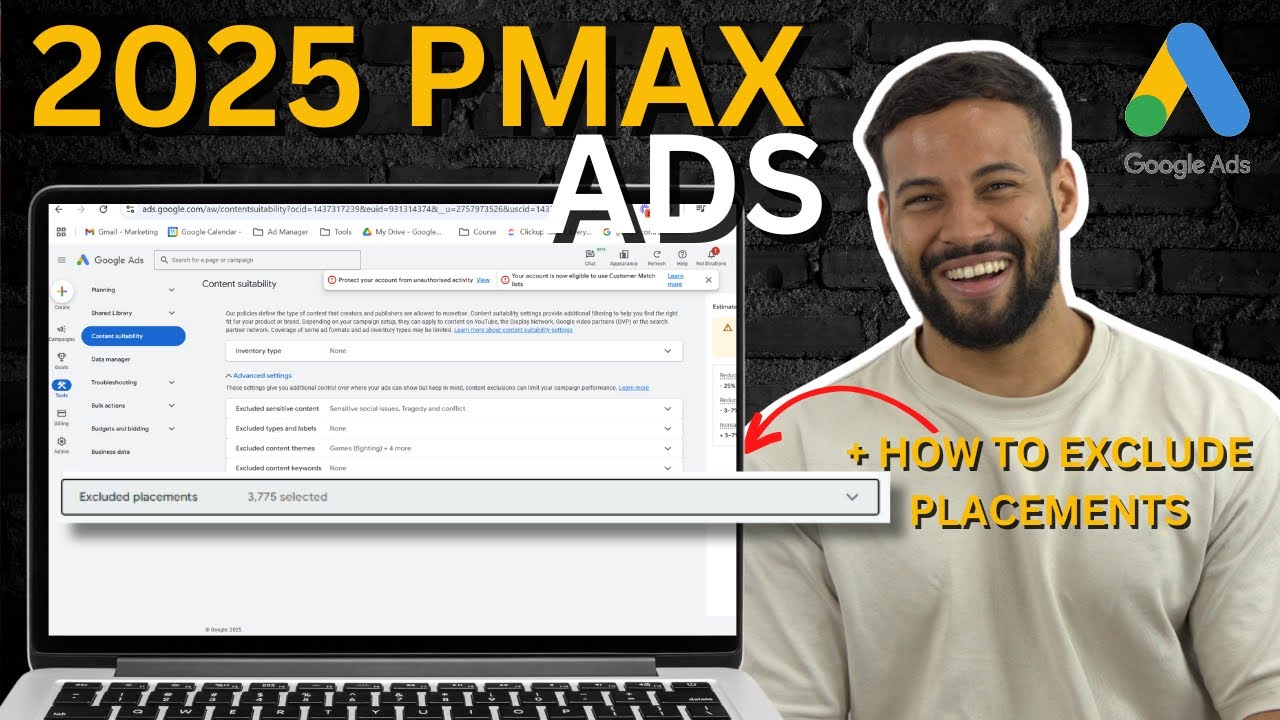
What Is Performance Max?
Performance Max (PMax) is a goal-based campaign type that runs across all of Google's channels - Search, Shopping, Display, YouTube, Gmail and Maps - from a single campaign. You provide the creative assets and audience signals, and Google's AI decides where and when to show your ads.
Google has been pushing PMax hard since 2022, and for good reason from their perspective - it gives Google maximum control over your budget. That doesn't mean it's always the right choice for your business.
The honest truth about PMax: it works well when you have strong conversion data, good creative assets and clear audience signals. Without those three things, Google will often waste significant budget in the learning phase.
When to Use PMax (and When Not To)
PMax works well for:
- E-commerce stores with a product feed already set up in Google Merchant Center
- Accounts with at least 30 to 50 conversions per month so Google has data to optimise against
- Businesses looking to expand reach beyond what Search or Shopping campaigns alone can achieve
PMax is often the wrong choice for:
- New accounts with no conversion history - Google has nothing to learn from
- Lead generation businesses with strict geographic targeting needs
- Small budgets under $30 per day where the learning phase will drain most of the spend
What You Need Before Starting
- Conversion tracking set up and recording real conversions - not just page visits
- Creative assets - headlines, descriptions, images and ideally video
- A product feed in Merchant Center if you're running e-commerce
- Audience lists - customer lists, website visitors, past converters
Step 1 - Set Up Your Asset Groups
Asset groups are the core of a PMax campaign. Think of them like ad groups - each one contains your headlines, descriptions, images and videos, and Google mixes and matches them to create ads across every channel.
Create Themed Asset Groups
Don't put everything in one asset group. Group your assets by product category, audience or offer. This gives Google clearer signals and makes it easier to review performance by theme.
Add All Asset Types
Fill every available slot - 15 headlines, 5 descriptions, multiple images in each required format, and at least one video. If you don't provide a video Google will auto-generate one from your images. These auto-generated videos are usually terrible. Upload your own.
Write Specific Headlines
Avoid generic headlines like "Shop Now" or "Best Prices". Write headlines that speak to specific benefits, products or audiences. Google will test combinations and surface the best performers.
Step 2 - Add Audience Signals
Audience signals tell Google where to start looking for customers. They don't restrict your targeting - Google can still show ads to people outside these signals - but they give the algorithm a head start rather than learning from scratch.
- Customer lists - upload your existing customer email list
- Website visitors - all visitors, cart abandoners, past purchasers
- Custom intent audiences - people who have searched for your key terms
- In-market audiences - Google's own categorised intent segments
Most important signal: your customer list. If you have 500+ customer emails, upload them. Google uses this to find lookalike audiences which dramatically improves early performance.
Step 3 - Bidding Strategy
PMax only supports automated bidding. Your two main options are:
- Maximise Conversion Value with Target ROAS - tell Google what return you want. Start with a realistic target based on your historical data, not an aspirational number.
- Maximise Conversions with Target CPA - better for lead generation where all conversions have similar value.
If you're launching a new PMax campaign, start without a target for the first 2 to 4 weeks while Google gathers data. Then introduce a ROAS or CPA target once you have enough conversions for it to be meaningful.
How to Optimise PMax Campaigns
- Check asset performance ratings - Google rates each asset as Low, Good or Best. Replace Low rated assets regularly.
- Review the search terms report - add negative keywords at the account level to block irrelevant traffic. PMax doesn't have its own negative keywords list.
- Use campaign-level brand exclusions - exclude your own brand terms so PMax doesn't cannibalise your branded search campaigns.
- Monitor channel performance - check the Insights tab to see which Google channels are driving conversions. If YouTube or Display is spending heavily with no conversions, consider adjusting your asset mix.
Common Mistakes to Avoid
- Setting an aggressive ROAS target from day one and starving the learning phase
- Letting Google auto-generate your video assets
- Putting all products in one asset group with no theme
- Not adding brand exclusions and letting PMax compete with your own Search campaigns
- Making major changes every few days and resetting the learning phase
- Not uploading a customer list as an audience signal
Want Us to Run This for You?
We manage Google Ads campaigns for businesses across Australia. Google Partner agency. Results-focused, no lock-in contracts.